EverEats guide
How to Organize Food Photos Already in Your Camera Roll
You remember the food, but your camera roll has thousands of photos. This guide is for pictures you already took—whether they show something you cooked or something you ate out. Sort a manageable batch, recover forgotten details, and choose where to keep the photos you want to find again.
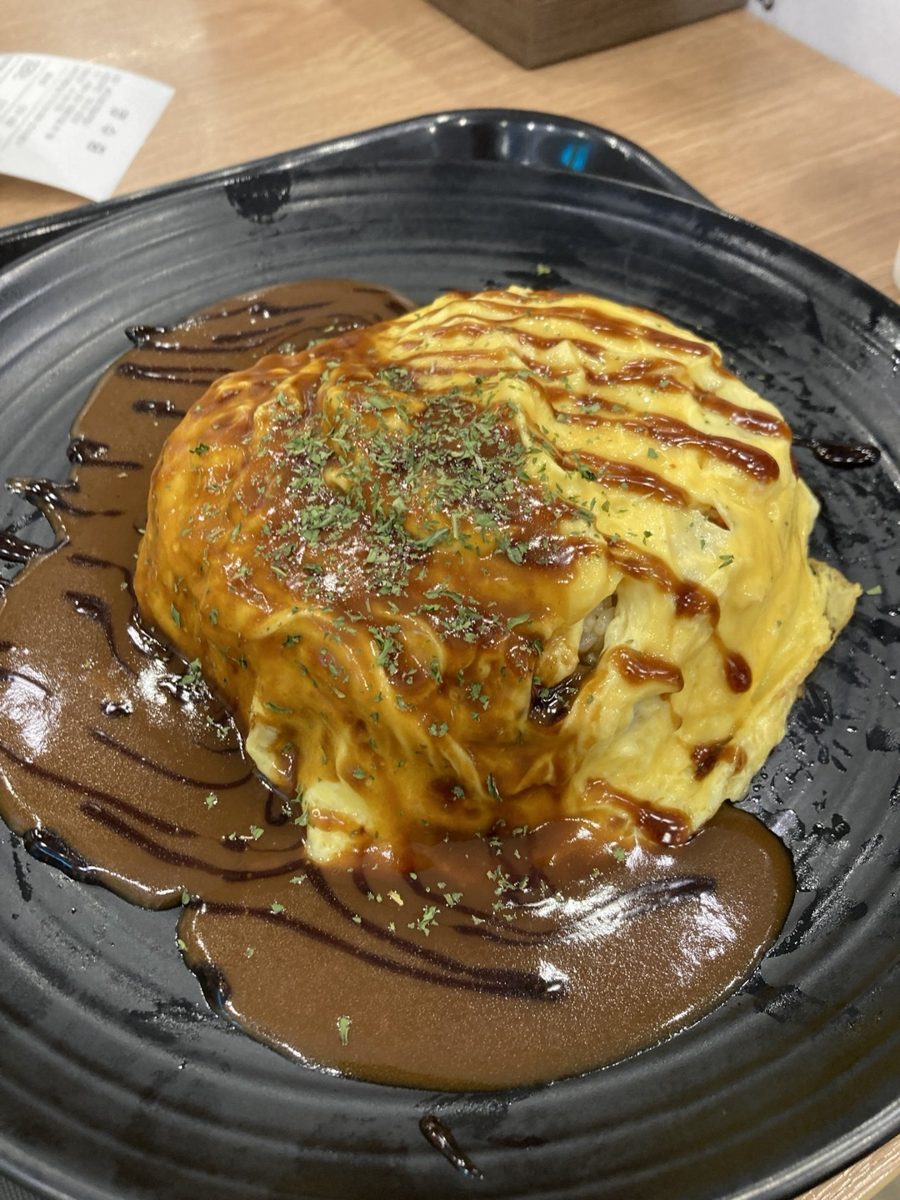
Start with one batch, not your whole library
Pick one trip, one month, or one group of meals you keep trying to find. Scroll through that period and collect the photos that still matter. Ignore near-duplicates for now; you are making a useful shortlist, not cleaning your entire phone.
Use the clues your camera roll already has
Start with the date. Nearby photos may show a menu or storefront for a meal out, or ingredients and a recipe screenshot for something you made. If your photo library has location information for the image, check it too. Location data may be missing when a photo was downloaded, edited, or taken with location access turned off, so do not rely on it as your only clue.
Search your messages or calendar for that date if you still cannot place the meal. A reservation confirmation, a grocery list, or a note from someone you ate with can jog your memory.
Find “that place” again
For a photo you cannot identify, narrow the date first, then the neighborhood. Look at neighboring photos for a sign or landmark. Check whether someone you ate with remembers the name. Once you find it, keep the restaurant name with the photo so you do not have to repeat the search next time.
Remember what you made at home
For homemade food, the missing detail may be the recipe rather than a place. Check photos from the same day for ingredients, a cookbook page, or a screenshot you followed. If you changed the recipe, make a short note of the change you would repeat. The goal is to recover the part your photo cannot tell you later.
Choose an album or a food app
A photo album works well if you mainly want a small collection from a trip or occasion. Name the album for something you will remember, such as the city and year. It is simple, and the photos stay in your existing library.
If you want to return to food you made or ate by dish, or share it with others, a dedicated food app can give selected photos more context. EverEats lets you post a food photo and add a dish or place when relevant; neither tag is required. You do not have to move your entire camera roll. Start with the photos you want to find again.
Once the old photos are sorted, the separate guide to building a food diary habit can help you keep future memories from piling up again.